IM-PRESS · YOUR AI × YOUR WORDPRESSA sharper
A sharper
impression.
Your imagination. Beautifully in control.
Bring AI-designed pages into WordPress. Keep the look, choose how you’ll edit, and give your agent useful tools for the work that comes next.
CONNECT YOUR AGENTREST / OpenAPI · Optional MCPGOOD IDEAS DESERVE A REAL WEBSITE.
SCROLL FOR DEPTH.
MOVE TO CATCH THE LIGHT.
MOVE TO CATCH THE LIGHT.
YOUR DESIGN.YOUR AGENT.YOUR WORDPRESS.Make them work together. ↗
Same idea.
A different impression.
Drag the glass handle. Discover what intentional design brings to the very same content.
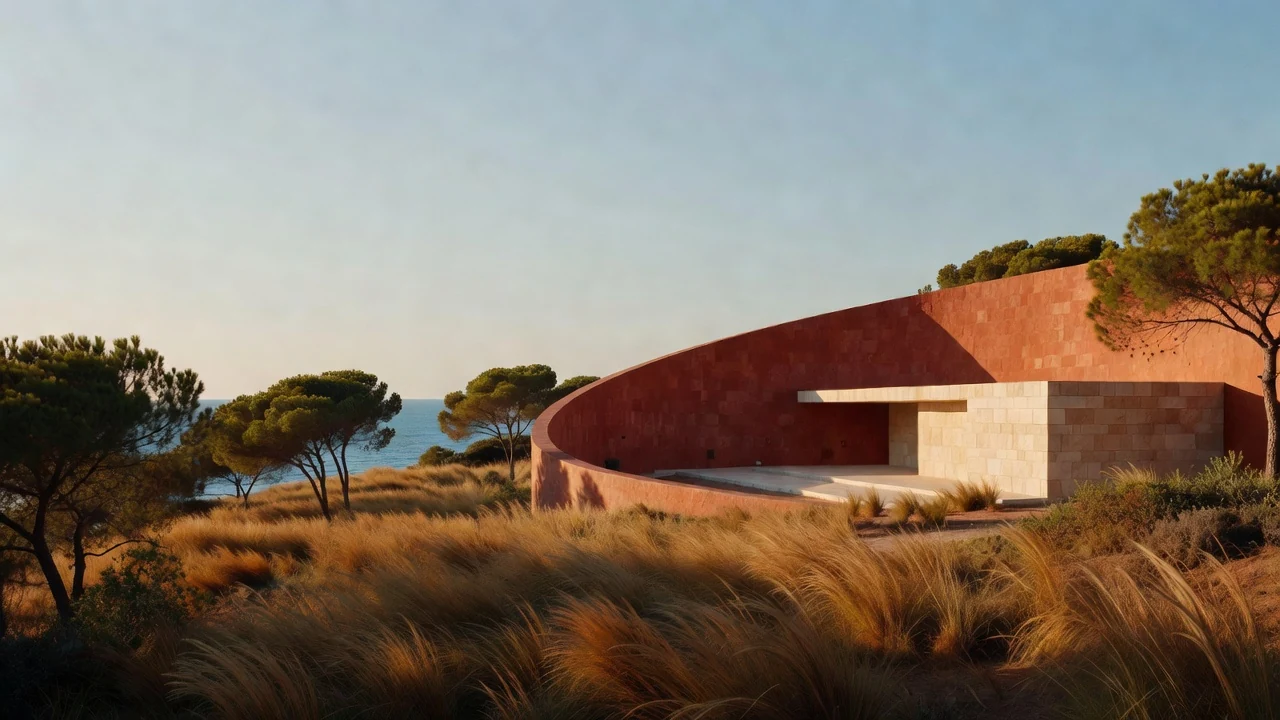
Less ordinary. More unmistakable.

Original design examples · AI-generated artwork. Two authored treatments of the same content—not an automatic IM-Press redesign.
From your design to WordPressGREAT DESIGN GETS ATTENTION.
A WORKING WEBSITE EARNS ITS PLACE.Don’t stop
A WORKING WEBSITE EARNS ITS PLACE.
Don’t stop
at “looks good.”
Make the landing page. Keep everyday content editable. Work on the details with your agent.
See the WordPress workflows01 / From output to useful
Same starting point.
Different jobs to finish.
Choose a real kind of work. Inspect the source, the intended WordPress destination and what still needs a human review.
Browser-local illustration. These are authored examples, not an actual WordPress conversion, agent run or admin screenshot. Nothing is sent, stored or published.
INPUT / DESIGN + SOURCE
A campaign with a point of view.
A code-led landing page with editorial type, a session lineup and a clear registration action. The layout is part of the message.
Inspect the source excerpt
<!-- Trusted authored HTML; excerpt only -->
<section class="fieldnotes-campaign">
  <p>Fieldnotes / Design gathering</p>
  <h1>Make room for better ideas.</h1>
  <p>A day of practical talks, open studios
     and conversations that carry on.</p>
  <!-- Session lineup + registration section -->
</section>
INTENDED WORDPRESS DESTINATION
A trusted styled-HTML page
Use a code-preserving route when converting to blocks would compromise the design. Safe Deploy preserves trusted HTML/CSS/JS and records deploy history.
YOUR NEXT STEPS / NOT A RUN LOG
- Keep the source and back up the destination.
- Review assets, scripts and the page template.
- Check the draft, registration action and mobile layout.
An independent design gathering
Make room
for better
ideas.
A day of practical talks, open studios and conversations that carry on.
Explore the gatheringThe programLess spectatorship.
Less spectatorship.
More participation.
- 01 / ListenPractice, not perfection
How good work gets made.
- 02 / MakeOpen studio sessions
Bring a question. Build an answer.
- 03 / ConnectA longer conversation
Meet the people behind the work.
Residential garden design
A little closer
to outside.
Thoughtful gardens for everyday living. A clear plan, considered planting and a place that feels like yours.
Start with a conversationWhat we work onFrom first sketch
From first sketch
to growing space.
Garden planning
Layouts that make room for quiet mornings, shared meals and the way you actually live.
Planting design
A thoughtful mix of texture, season and habitat, selected for your site.
A practical handover
A planting schedule and care notes to help the garden settle in.
A clear process
Listen to your brief. Design around your space. Plan the next steps together.
Field guide / Planning
A smaller garden.
A bigger sense
of space.
Start with how you want to use it, not how much you can fit in. Three decisions can make a compact garden feel more generous.
IN THIS GUIDE
- Give the space a purpose
- Keep a clear route through
- Plant for depth, not clutter
Give the space a purpose
A seat in the morning sun or a table for two gives a small garden a center of gravity. Plan around that moment before choosing plants.
Keep a clear route through
A simple path and a restrained material palette connect the house to the garden without dividing it into smaller pieces.
Plant for depth, not clutter
Repeat a few plants at different heights. Let the planting frame a view instead of filling every available gap.
Design-led / maintain the source
The example preserves its authored composition. It does not imply every element becomes a visual block control.
Campaign page example selected. Wide layout.
The point isn't just getting it into WordPress.
It's choosing how you'll work on it next.Blocks or styled HTML? →
It's choosing how you'll work on it next.Blocks or styled HTML? →
02 / Your agent, with useful tools
Less “here's how.”
More hands-on help.
Give a compatible agent an authorized way to work with your WordPress site—not just another prompt about what to copy and paste.
“Prepare the service-page draft.
Check the import.
Help me get the details right.”
A useful working relationship.
An agent can assist with supported draft, import, content and metadata operations. Discover what your installation exposes, agree on the target and review the changes.
Capabilities depend on enabled modules, permissions, license and configuration. Your client must support the connection you choose.
Bring a compatible clientClaude Desktop / CodeCodexCursorCustom clients
The Connect AI Agent screen provides setup guidance. Client versions and capabilities vary; confirm the REST/OpenAPI or optional MCP path supported by your configuration.
Setup examples are not a certification of every client or feature, or an endorsement by the providers.
A
Direct REST / OpenAPI
No MCP layer required
Compatible agent→REST + OpenAPI→WordPress tools
Use machine-readable discovery to identify supported operations, then authenticate for authorized work. Start with read-only discovery before testing a small draft change.
B
Optional MCP connection
Separate adapter, deliberate setup
Compatible MCP client→WordPress MCP AdapterInstalled separately→Optional Abilities layerIM-Press agent layer enabled
Requires compatible WordPress Abilities functions, the enabled IM-Press agent layer, a separately installed WordPress MCP Adapter and a compatible client. The adapter is not bundled or automatically installed.
Choose your toolkitStart with a page.
Start with a page.
Build from there.
A useful free starting point. A broader toolkit for serious site work. An Agency tier for advanced capabilities.
Compare annual and lifetime reference pricing.
Make your first move.
Free
Get familiar with the WordPress workflow before choosing a paid tier.
Download Starter- Core page-building blocks
- Basic metadata and sitemap features
- REST deployment feature
- Site-wide CSS and footer JavaScript
Put the site to work.
$49/ year
1 site license. Extend beyond the page with content, design and business-site tools.
Enquire about Pro annual ↗- Full block entitlement
- SEO analysis and redirect tools
- Email and product-management features
- Head JavaScript and per-page code
Go deeper.
$149/ year*
The Pro feature set, with additional capabilities declared for Agency.
Enquire about Agency annual ↗- Pro feature set
- AI endpoint entitlement
- Page-template and migration-tool entitlements
- White-label feature entitlement
Reference prices in USD. Paid-plan checkout is not enabled on this site. Contact us to confirm availability, licensing and support terms before purchasing. Agency annual is the declared $149/year tier.
Compare the toolkit
Feature entitlements shown are declared by IM-Press 5.2.7. Available operations depend on the installed modules, permissions and setup. License site allowances are not a central fleet-management feature.
| Capability | Starter | Pro | Agency |
|---|---|---|---|
| Blocks | Core selection | Full entitlement | Full entitlement |
| REST deployment feature | Included | Included | Included |
| Basic metadata & sitemap | Included | Included | Included |
| Site-wide CSS & footer JS | Included | Included | Included |
| Head JS & per-page code | Not included | Included | Included |
| Email handler, redirects & product tools | Not in tier | Included | Included |
| AI endpoints & migration-tool entitlements | Not in tier | Not in tier | Included |
Agent access is not the same thing as an Agency license.
REST/OpenAPI and the optional MCP connection are integration paths. Individual operations have their own permissions and feature gates. MCP additionally needs compatible WordPress Abilities, the enabled agent layer, a separate WordPress MCP Adapter and a compatible client. See how to connect →
What becomes editable?
Suitable content can become native WordPress blocks. Not every design or application converts cleanly. Review unsupported elements and choose trusted styled HTML when the code is essential to the design.
Do I need a different theme?
No. Passthrough is an optional companion for custom design/deploy templates. Test your existing theme, builder and SEO setup on staging before making live changes.
Does deploy history replace a backup?
No. Safe Deploy preserves trusted styled content and records deploy history, but it does not guarantee an automatic pre-change snapshot or complete recovery. Keep a separate backup and verify changes.
Start with one useful page
Don't stop at
“looks good.”
Bring the source. Choose the editing path.
Make something you can keep working with.
WordPress 5.9+ · PHP 7.4+ minimums.
Check site compatibility. Back up before installation.